Autosar davinci developer classic使用教程
大约 2 分钟
本文介绍 DaVinci Developer Classic 的基本操作。
1.介绍
DaVinci Developer Classic 用于设计 AUTOSAR ECU 的软件组件架构,对应 V 形流程中的 Application Software Development 阶段。
通过图形视图或文本网格视图,可以设计软件组件类型、端口、数据、连接器和内部行为。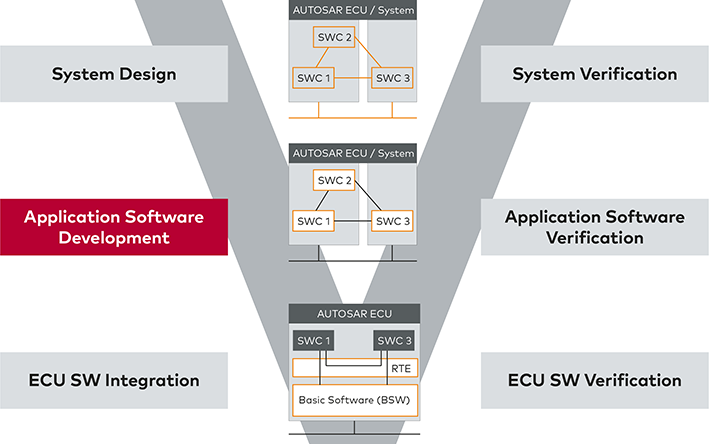
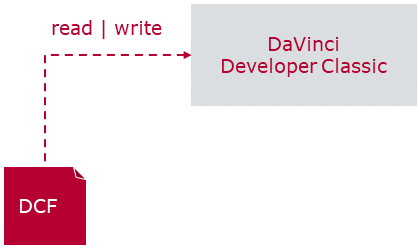
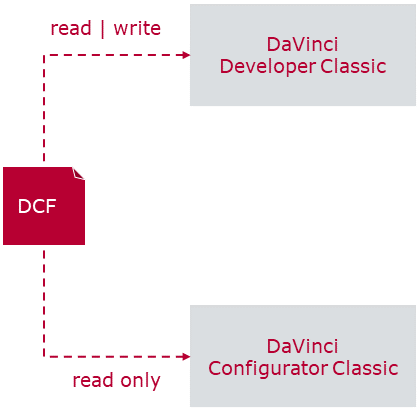
2.工作空间(workspace)
3. SWC 设计
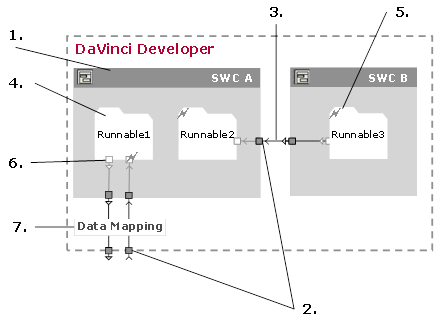
- 应用组件(Application Components)
- 端口、端口初始值和数据元素(Ports, Port Init Values and Data Elements)
- 连接(Connections)
- 可运行实体(Runnables)
- 触发器(Triggers)
- 端口访问(Port Access)
- 数据映射(Data Mapping)
1. 创建 Application Components
在 object browser界面有三种视图:Type-oriented、Package-oriented 和 File-oriented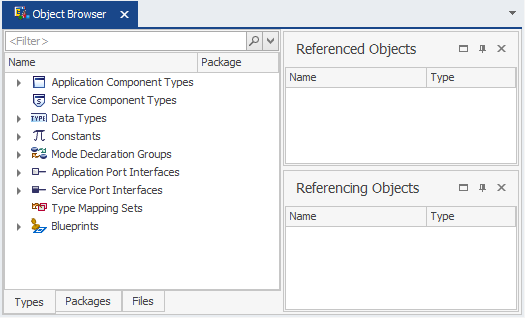
- 在 Type-oriented 视图中右键,创建新的 Application Component Type。
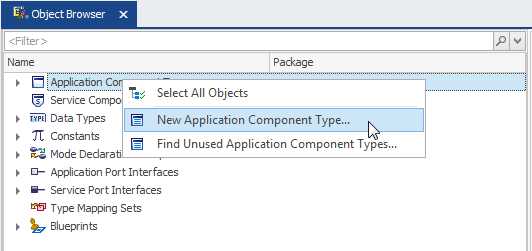
2. 理解类型、原型和接口(Types, Prototypes and Interfaces)
软件组件类型定义组件的结构与行为;在组合中使用该类型时,会创建引用它的 Component Prototype。Port Prototype 则是组件类型上的端口,通过引用 Port Interface 描述通信内容,端口本身并不是接口。
- Port Prototype in a Component Type -> references a Port Interface
- Component Prototype in a Composition -> references a Component Type
上述关系见 AUTOSAR Software Component Template(R24-11) 中的 PortPrototype、PortInterface 与 SwComponentPrototype 定义。
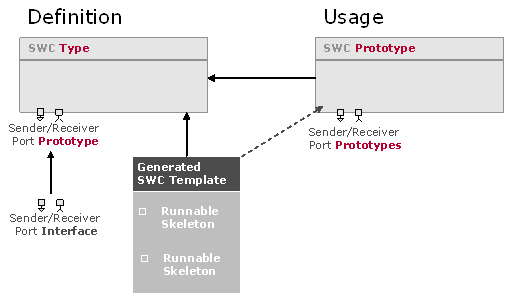
3. 端口、端口初始值和 数据元素(元数据的一个原子数据单元)
在使用应用程序端口之前,必须定义应用程序端口接口。要完全定义端口接口,如果不想使用预定义的数据类型,则必须首先定义数据类型。
端口有以下几个类别
- Sender Ports to provide information
- Receiver Ports to receive information
- Sender/Receiver Ports to provide and receive information within one port
- Server Ports to provide services (operations)
- Client Ports to use services (operations)
- Calibration Ports to hand over calibration parameters
- Mode Ports to e.g. trigger or not trigger runnables within certain modes
4. 在应用程序组件中配置服务端口
5. 定义runnables
6. 为runnable配置触发器、 Port Access
7. 生成模板
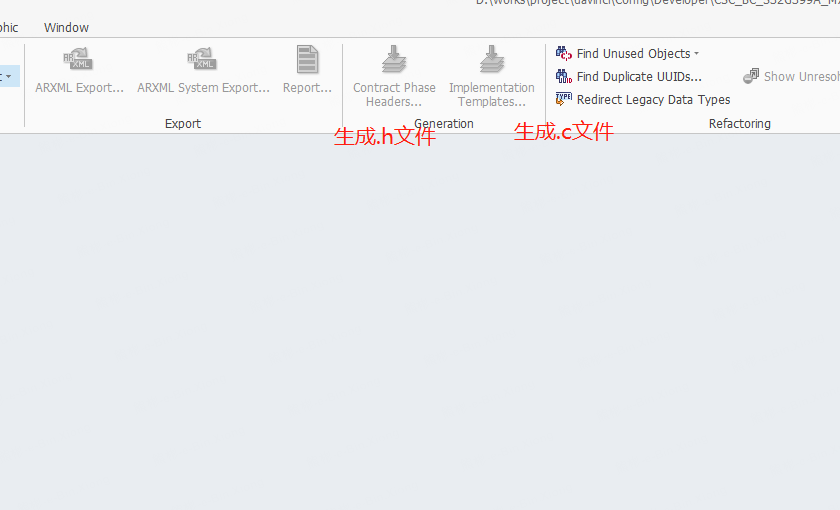
如果计划手动实现SWC(而不是使用基于模型的代码生成器),可以生成SWC模板和合约头文件。
要生成代码,在对象浏览器中选择 SWC,再通过右键菜单调用代码生成器。